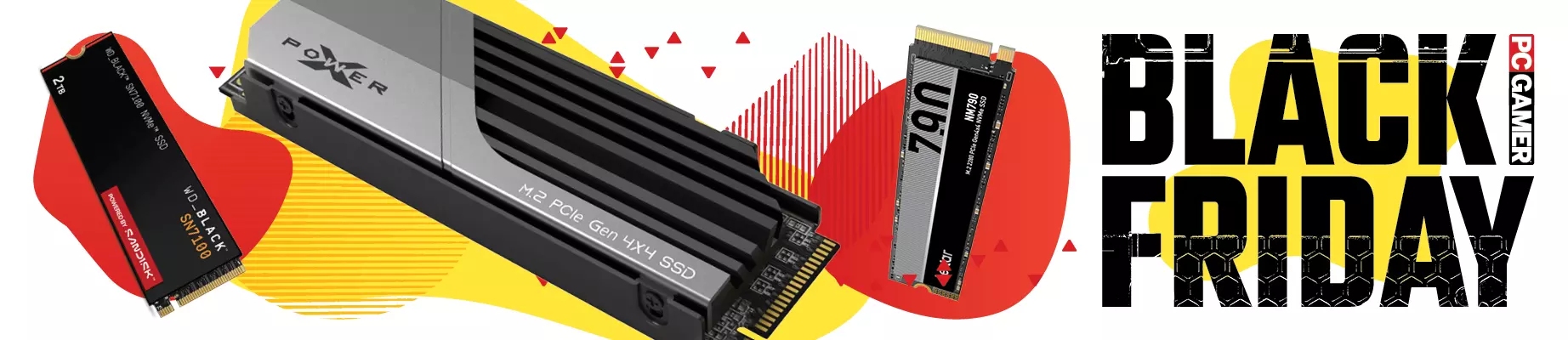
Unlocking Performance: Navigating SSD Deals for Optimal PC Gaming Storage
ByHideo Kojima
The annual sales event is upon us, bringing with it a wave of promotions on high-speed data storage devices. While the official start is still a day away, enticing offers have already begun to surface. Current market conditions, influenced by a global memory component shortage, mean that prices may not revert to previous lows. Nonetheless, this compilation focuses on identifying solid-state drive bargains that deliver excellent value amidst these prevailing circumstances, specifically curated for enhancing your computer’s capabilities, especially for gaming.
This comprehensive overview categorizes top-tier SSD recommendations by capacity, including selections for 1TB, 2TB, and 4TB-plus internal drives, as well as external storage solutions. Each suggested model is assessed for its sequential read and write speeds, interface type (such as PCIe 4.0, PCIe 5.0, or USB 3.2), and overall performance value. Whether you are looking for a primary boot drive, additional space for your ever-expanding game library, or a portable solution, these drives have been vetted for their efficiency and reliability. Insights from extensive testing and regular market tracking ensure that these are genuinely worthwhile acquisitions.
When considering a new solid-state drive, several factors are crucial for an informed decision. Firstly, verify your motherboard’s compatibility with different SSD form factors and interfaces, paying close attention to M.2 slots and their NVMe support. Aim for the largest capacity your budget allows, as this future-proofs your storage. While PCIe 4.0 remains the mainstream choice offering excellent speeds, newer PCIe 5.0 drives provide cutting-edge performance, albeit at a higher cost. Furthermore, contemporary DRAM-less SSDs are generally sufficient for gaming purposes, as their performance characteristics are optimized for such workloads. Finally, always check for integrated heatsinks if your motherboard doesn't provide adequate cooling for high-performance drives, ensuring optimal operation and longevity of your new storage component.
As technology continues its rapid progression, selecting the right storage is paramount for an efficient and enjoyable computing experience. Investing in a high-quality solid-state drive significantly reduces load times, improves system responsiveness, and handles large game installations with ease. By making informed choices about your hardware, you contribute to a smoother, more powerful, and ultimately more satisfying digital journey, reflecting the positive evolution of personal computing.
About the author
Hideo Kojima
Auteur game designer known for the "Metal Gear" series, blending complex narratives with gameplay.